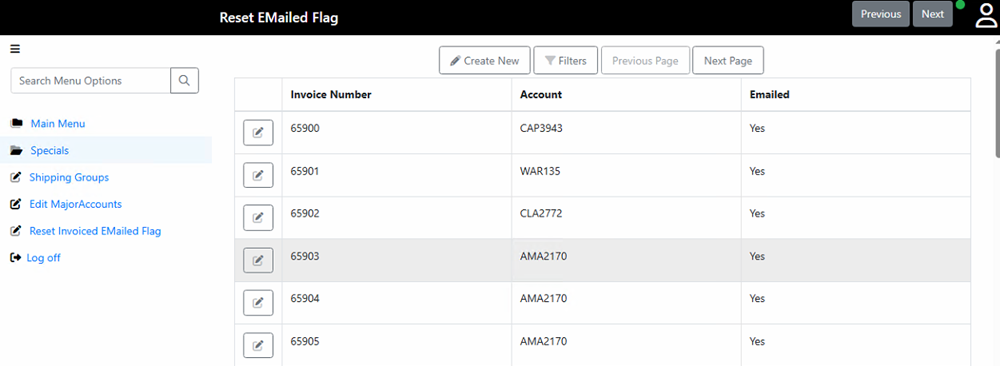
The "Reset Invoice Emailed Flag" is typically found under the CMWeb Specials menu.
1. Use the "Filters" button at the top of the screen to help locate the invoices you wish to edit.
2. Then click the "Edit" button (clipboard icon)
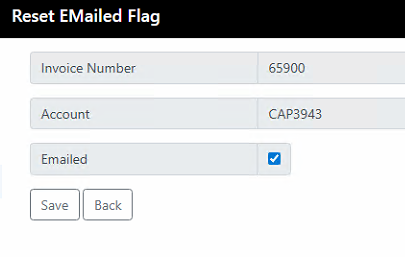
3. "Check" or "Un-Check" the "Emailed" checkbox and click "Save".
When "Un-Checked", invoices will be made available to the Automated Invoice program (ie. for sending).
"Checked" invoices will be unavailable to the Automated Invoice program.